Let's Talk About a Leak in Your Business That's Hurting Your Profits
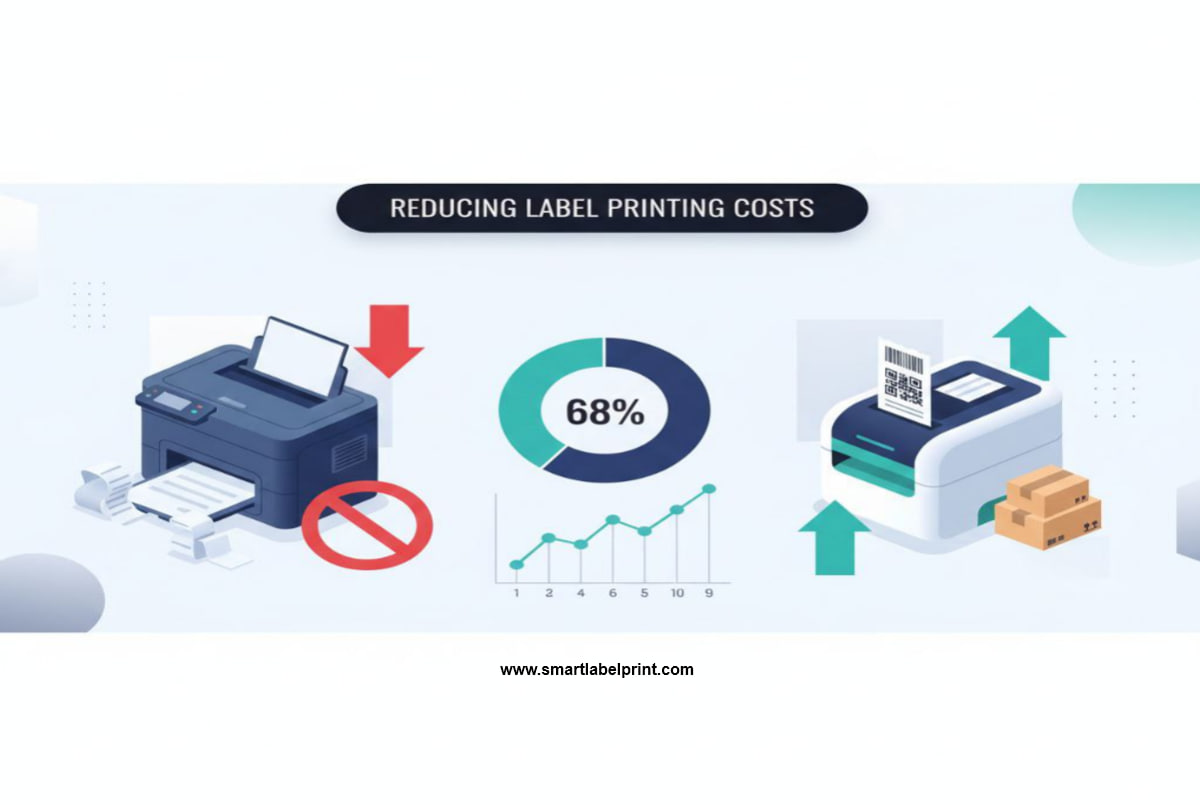
I want you to do something for me. Go look at your expense sheet for the last quarter. Find the line item for 'Office Supplies' or 'Shipping Supplies'. Now, look at the numbers for printer ink, toner, and those pricey A4 sticker sheets. Add it all up. Is the number bigger than you thought? Yeah, I thought so. Now, what if I told you that number is a choice? What if I told you that you are probably, right now, setting fire to a pile of money every single time you print a shipping label? And what if I told you that six months from now, that expense could be 60-70% lower? I'm not kidding.
Look, we all get into e-commerce with dreams of sourcing cool products, building a brand, and seeing those sales notifications roll in. Nobody, and I mean nobody, gets into this business because they have a burning passion for logistics paperwork. But after 5 to 6 years of shipping everything from cheap electronics out of a cramped Mumbai godown to pallets of goods from a proper warehouse in California, I can tell you this with absolute certainty: your profit isn't made when you sell a product. It's preserved in the dozens of tiny, boring operational decisions you make every single day. And your single biggest, most controllable operational expense leak? It's almost always your printing setup.
In 2021, my small D2C brand was doing pretty well. We were shipping about 50-60 orders a day. But my margins were getting squeezed. I did a deep-dive audit and was horrified by what I found. We were spending nearly ₹30,000 a month (that's around $360) on just ink cartridges and A4 sticker paper for our two laser printers. It was insane. It was a slow, silent loss that I had just accepted as a 'cost of doing business'. Over the next six months, I became obsessed with fixing this. I experimented with everything. And by the end of that period, I had cut that monthly expense down to just ₹9,500—a 68% reduction. This isn't a theoretical guide. This is the exact playbook I used. I'm going to give you the step-by-step process, with the real costs, the dumb mistakes I made, and the free tools I used to do it.
Step 0: The Frankly Honest Audit – You Can't Fix What You Don't Measure
Before you change anything, you need to face the ugly truth. You need to calculate your current 'Cost Per Label'. Be honest. Don't eyeball it. Do the math.
- Calculate Your Ink/Toner Cost: Find your last printer cartridge order. How much did it cost, and what was its 'page yield'? (e.g., ₹2,000 for a toner that prints 1,500 pages). Your cost per page is Cost / Pages. A standard shipping label uses about the same coverage as a full page of text.
- Calculate Your Paper Cost: How much does a ream of A4 paper or a pack of sticker sheets cost? Divide that by the number of sheets. Now, how many labels are you printing per sheet? If you're printing one label on one A4 sheet... congratulations, you're lighting money on fire. Divide your sheet cost by the number of labels you get per sheet.
- Add It Up: Your Cost Per Label = (Cost per Page of Ink/Toner) + (Cost per Label of Paper).
When I first did this for my laser printer setup, the numbers were shocking.
My Old Laser Printer Setup (Cost Per Label in India):
- Toner Cost per Page: ~₹1.20
- A4 Sticker Sheet (2 labels per sheet): ~₹4.00 per sheet, so ₹2.00 per label
- Initial Cost Per Label: ₹3.20
It doesn't sound like much, does it? But at 50 orders a day, that's ₹160 a day, ₹4,800 a month. And that's before accounting for waste from misaligned sheets, which was easily another 10-15%. You have to know your starting number. This is your enemy. Now, let's go to challenge it.
Step 1: The Free Fix That Immediately Slashes Paper Waste by 75%
This is the single easiest, most impactful change you can make right now, without spending a single rupee or dollar. Stop printing one label on one A4 sheet.
Marketplaces like Amazon, Flipkart, and even Shopify often generate PDFs with one label on a giant A4 or US Letter page. It's incredibly wasteful. Your mission is to consolidate these onto a single sheet.
The Workflow:
- Download all your individual shipping label PDFs for the day.
- Use a free online PDF merging tool. Just search for 'combine PDF online' (I used to use iLovePDF, but there are dozens).
- Upload all your label files. It will spit out a single, multi-page PDF.
- Now, open that merged PDF. Go to 'Print' (Ctrl/Cmd + P).
- In the print dialog, find the 'Pages per sheet' option under 'More settings'. Change it from 1 to 4.
- Set the orientation to 'Landscape'.
Boom. You've just crammed four labels onto a single A4 sheet. You are now using 75% less paper. This simple trick alone took my paper cost per label from ₹2.00 down to ₹1.00 (since I could now get 4 labels out of my ₹4.00 sticker sheet). This is such a basic hack, but a 2023 Pitney Bowes Parcel Shipping Index found that nearly 40% of small businesses still print single labels on full sheets, representing a massive area of operational waste.
Step 2: The 'Why Didn't I Do This Sooner?' PDF Cropping Revolution
Okay, consolidating is great, but cutting those four labels out with scissors is still a massive pain. And what about marketplaces like Meesho in India that put the invoice and label on the same page? The next evolution is to stop thinking about the whole page and start thinking only about the label itself.
This is where a dedicated shipping label cropper becomes your best friend. These are free web tools that let you upload your A4 PDF and draw a box around the 4x6 label area. They then generate a new PDF containing only the cropped label.
Personal Story Time: The Meesho Mayhem. In 2021, I was helping a friend scale her Meesho business in India. She was getting 50-60 orders a day. Her process was insane. She’d print 60 A4 sheets, and her two employees would spend three hours every afternoon cutting out the labels from the invoices and taping them to the packages. I showed her how to use a free online cropper (for example, the shipping label cropper at SmartLabelPrint is built for this exact purpose). She uploaded her bulk PDF, cropped once, and got a 60-page, 4x6 PDF back. This was a revelation. It didn't just save paper; it saved her three hours of paid labor per day. That's a real, tangible cost saving that goes straight to the bottom line.
The Cropping Workflow (The Path to Sanity):
- Download your bulk shipping labels from your marketplace (e.g., the multi-page PDF from Flipkart or Amazon).
- Go to a free online cropping tool.
- Upload the PDF. Draw a box around the 4x6 label area, ignoring the invoice or any other junk.
- Tick the 'Apply to all pages' box. This is the magic button.
- Download the new, perfectly formatted 4x6 PDF.
Now that you have a 4x6 PDF, you can buy A4 sticker sheets that are pre-cut into four 4x6-ish sized labels. You print your new PDF onto these sheets, and voila—no more scissors. This is a huge step up. For US sellers, Avery and other brands make these readily available. In India, you can find them on Amazon or from local stationery suppliers.
Step 3: The Final Stage – Making the Switch to Thermal
Everything we've done so far has been about optimizing a broken system. You're still at the mercy of your inkjet or laser printer. You're still buying ink. You're still dealing with paper jams. The final step in achieving true cost-saving nirvana is to ditch them entirely for shipping labels and buy a dedicated direct thermal printer.
I know, I know. It's a scary upfront cost. A good one costs between $150-$250 in the US (like a Rollo or a Zebra ZD420) or ₹12,000-₹20,000 in India (from brands like TSC or TVS). I put it off for years. It was the dumbest financial decision of my early career.
Let's re-run the numbers. This is the most important table in this entire article.
The Real Cost Per Label: Inkjet vs. Laser vs. Thermal
| Printer Type | Cost per Label (India) | Cost per Label (USA) | Notes |
|---|---|---|---|
| Inkjet (using sticker sheets) | ₹5.00 - ₹7.00 | $0.20 - $0.25 | The silent damage. Ink is absurdly expensive. |
| Laser (using sticker sheets) | ₹2.50 - ₹3.50 | $0.15 - $0.18 | Better, but you're still buying toner and expensive sheets. |
| Thermal | ₹1.00 - ₹1.50 | $0.03 - $0.05 | Game over. Your only cost is the label itself. |
Let's put that in perspective. When I switched from my laser printer setup (costing me ~₹3.20/label) to a thermal printer (costing ~₹1.00/label), I saved ₹2.20 per package. At 50 packages a day, that's a saving of ₹110 per day. That's ₹3,300 per month. My ₹15,000 thermal printer paid for itself in less than five months. After that, it was just pure profit being added back into my business. And that's not even counting the hours of labor I saved.
The 'Thermal Printer Readiness' Checklist
How do you know if you're ready? It's not about gut feeling; it's about math.
- You're shipping 15+ orders per day. At this volume, the time savings alone justify the cost.
- You're tired of ink/toner running out at the worst possible moment. A thermal printer never runs out of 'ink'.
- You're getting complaints about smudged or unreadable labels. Thermal prints are waterproof and durable.
- You're wasting more than 10% of your sticker sheets on misprints. A thermal printer has zero waste.
- You've calculated your 'Payback Period'. (Upfront Cost of Thermal Printer) / ( (Old Cost Per Label - New Thermal Cost Per Label) * Avg Daily Orders * 30 ). If that number is less than 12 (months), you are actively losing money by waiting.
My Six-Month Journey to 68% Savings: The Recap
So, how did I get to that 68% number? It was a phased approach.
- Months 1-2: The Free Fixes. I stopped printing one label per page and started using the '4-up' method. This immediately cut my paper costs by 75%. I also started using the free PDF cropping tools to deal with awkward marketplace PDFs. Cost Reduction: ~30%
- Month 3: The Lightbulb Moment. I did the 'Cost Per Label' audit and was horrified. I ran the payback period calculation for a thermal printer. The answer was 4.5 months. I ordered the printer that same day.
- Months 4-6: Full Thermal Workflow. The printer arrived. I standardized my entire packing station around it. I bought 4x6 labels in bulk. My cost per label plummeted from ₹3.20 to ₹1.00. That's a 68.75% reduction. My packing speed doubled. My supply closet, once overflowing with different kinds of sticker paper and ink cartridges, was now just a neat stack of thermal label rolls.
And here's the kicker: this isn't just a story from India. I implemented the exact same strategy for a US-based brand I was consulting for in 2022. They were spending about $0.22/label on their laser printer setup. After switching to a Rollo thermal printer and buying labels in bulk, their cost dropped to $0.04/label. That's an 81% reduction. The principles are universal.
The Final, Frankly Honest Takeaway
Stop thinking of your printer as a sunk cost. It's an active, ongoing operational expense. And it's one you have almost complete control over. You don't need a massive budget to start making smarter choices today. Use the free tools. Consolidate your prints. Crop your PDFs. Do the math on your own 'Cost Per Label'. But be honest with yourself. If you're shipping more than 15-20 packages a day, you're in the business of logistics, whether you like it not. And professionals use professional tools. Saving up for and investing in a thermal printer isn't an 'expense'. It's one of the highest-ROI investments you will ever make in the long-term health and profitability of your e-commerce business. Stop the loss.