How to Print Barcode Labels at Home
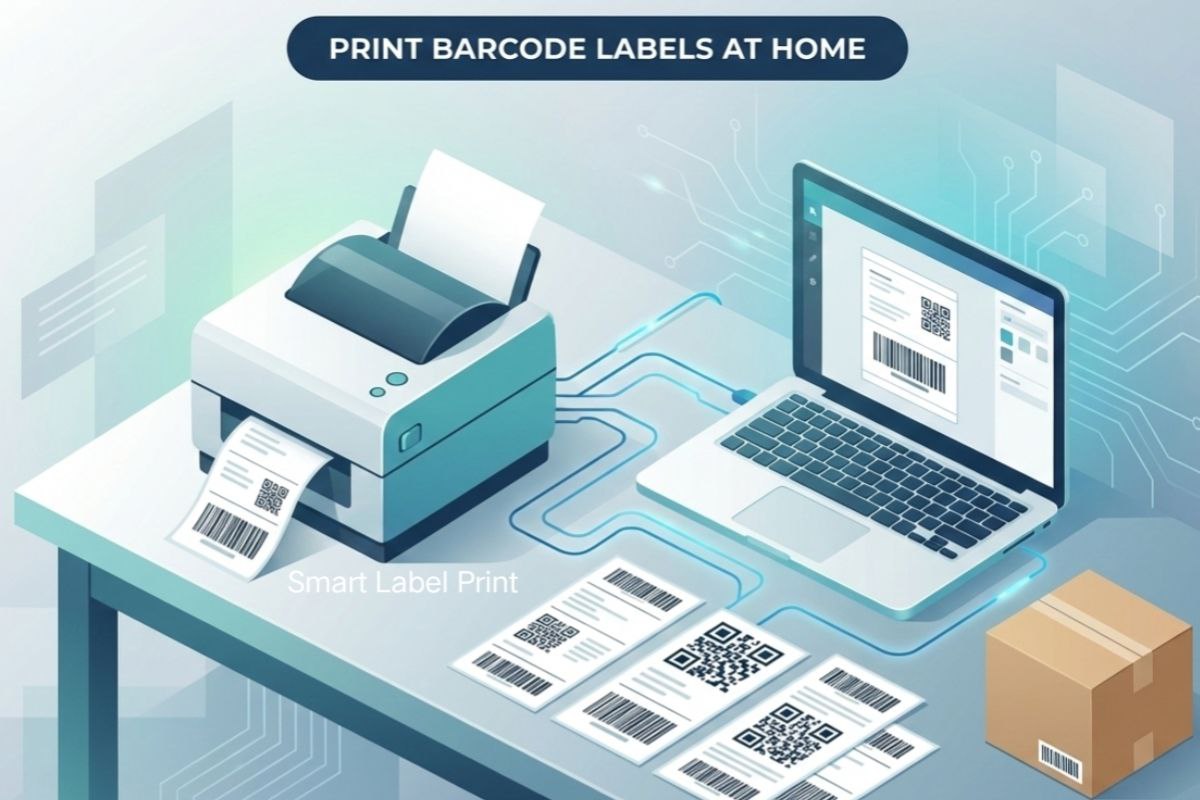
Okay, let's be real—printing barcode labels at home sounds like one of those things you'd rather outsource, right? But trust me, if you're an e-commerce seller starting small or scaling without blowing your budget, doing it yourself is a game-changer. No fancy thermal printers required, no paid software... just smart, free hacks that keep your shipments scanning perfectly. I've been there, printing labels in my cramped apartment during 2020 lockdown, and screwing it up cost me over $1,200 in one go when unscannable barcodes turned a batch into ghosts at the carrier hub.
Hey, Raj here—over seven years shipping from India to US customers and back. And here's the thing: bad barcode printing isn't just annoying; it's expensive. Jungle Scout's 2025 State of the Amazon Seller Report says inflated shipping costs worry nearly 40% of sellers about profitability. Mordor Intelligence pegs India's e-commerce logistics at around USD 6.65 billion in 2025, growing fast, but errors like faded barcodes fuel delays and surcharges. parcelLab's 2025 study shows post-purchase gaps erode loyalty, often starting with poor tracking from crappy labels. ShipMatrix highlights avoidable surcharges from print issues piling up quick. Whether you're using USPS, FedEx, UPS in the States, or Delhivery, Blue Dart, DTDC in India, crisp home-printed barcodes save thousands in fees, reships, and lost sales. This guide? All free methods, big-brother advice to nail it.
So, no excuses—let's get your home setup printing pro-level barcode labels without spending extra.
Why Home Printing Barcodes Matters (And Saves Cash)
Barcodes are the heartbeat of tracking. Unscannable ones? Packages delay, customers complain, carriers charge manual fees. But crisp prints mean smooth scans, accurate delivery, fewer returns.
| Issue from Bad Print | US Cost Example | India Cost Example | Avoidable With Good Home Print |
|---|---|---|---|
| Faded Barcode | UPS/FedEx manual fees $20+ | Delhivery delays, RTO losses | Yes—dark settings |
| Wrong Size | Dim weight surcharges | Volumetric extras | Yes—standard crop |
| Smudged Ink | Reship costs | Failed COD collection | Yes—dry time |
| Tape Glare | Scan fails | Hub reworks | Yes—placement |
Story #1: The Inkjet Fade Disaster (USA, 2022)
I was printing USPS labels at home on a basic inkjet, rushing a sale. Set to "draft" mode to save ink—barcodes came out light gray. Half the packages couldn't scan at sorting, got delayed weeks. Customers refunded, reships ate $900+. Switched to high-quality mode—never again.
Basic Home Setup: What You Need (All Free or Cheap)
You don't need a thermal printer. Regular inkjet or laser works fine for low-medium volume.
- Printer: Your home one—inkjet okay, laser better for crispness.
- Paper: Plain A4/Letter, or cheap sticker sheets from local shop.
- PDFs: From carriers like USPS or Delhivery portals.
- Free Tools: Online croppers, generators.
Step-by-Step: Printing Perfect Barcodes at Home
The workflow that's saved me thousands:
- Get Label PDF: Book shipment on carrier site—download official PDF with barcode.
- Crop to Size: Use free online PDF tools to trim to 4x6 or 100x150mm—standard for scans.
- Print Settings: Crucial—set paper size exact, scale 100% (no "fit"), highest quality. For inkjet, "photo" mode for dark barcodes.
- Test: Scan with free phone scanner app before sticking.
- For Custom: Use our free barcode generator to create perfect, scannable CODE 128, EAN-13, and UPC barcodes for address labels.
More details on settings in my guide Our Blog.
Story #2: Smudge Nightmare (India, 2023)
Printing Delhivery labels on inkjet during monsoon humidity. Stuck 'em on without drying—ink smudged under tape. Barcodes unscannable, 50 packages returned. Lost ₹60,000 in RTOs. Now always wait 5 mins or use laser when possible.
Inkjet vs Laser for Home Barcode Printing
| Type | Pros | Cons | Best For |
|---|---|---|---|
| Inkjet | Cheap, color if needed | Smudges if wet, slower dry | Low volume starters |
| Laser | Crisp, smudge-proof | Higher upfront | Sharper barcodes, volume |
Story #3: Wrong Scale Blunder (USA to India Export, 2024)
Printed FedEx labels but printer "fit to page"—barcodes shrunk tiny. Scanners failed at handover. Extra fees, delays cost $700. Now always "actual size."
Common Home Mistakes & Free Fixes
Avoid these to dodge surcharges:
| Mistake | Fix (Free) |
|---|---|
| Low Quality Mode | Switch to high/best |
| Scaling On | Set 100% always |
| Tape Over Barcode | Matte tape or avoid |
| Wrong Paper | Plain white, no glossy |
Story #4: Glare Tape Issue (India, 2025 Early)
Used shiny packing tape over barcodes on Blue Dart labels. Hub lights caused glare—scans failed, manual sorts charged extra ₹30,000 that month. Switched placement—fixed.
Your Home Barcode Printing Checklist
Quick pre-stick check—saves big:
| Check | How |
|---|---|
| Dark & Crisp | Eyeball + phone scan |
| No Smudges | Finger test lightly |
| Correct Size | Measure printed barcode |
| Tape Safe | Matte or side placement |
| Dry Fully | Wait if inkjet |
Final Take: Home Printing = Smart Money Move
Printing barcode labels at home isn't glamorous, but done right—with these free tips—it's pure profit protection. I've dodged thousands in errors this way, from US dim surprises to India RTO chaos. Start simple, test every print, and scale as you grow. Your shipments (and wallet) will thank you.