Okay, Can We Just Address the Elephant in the Room?
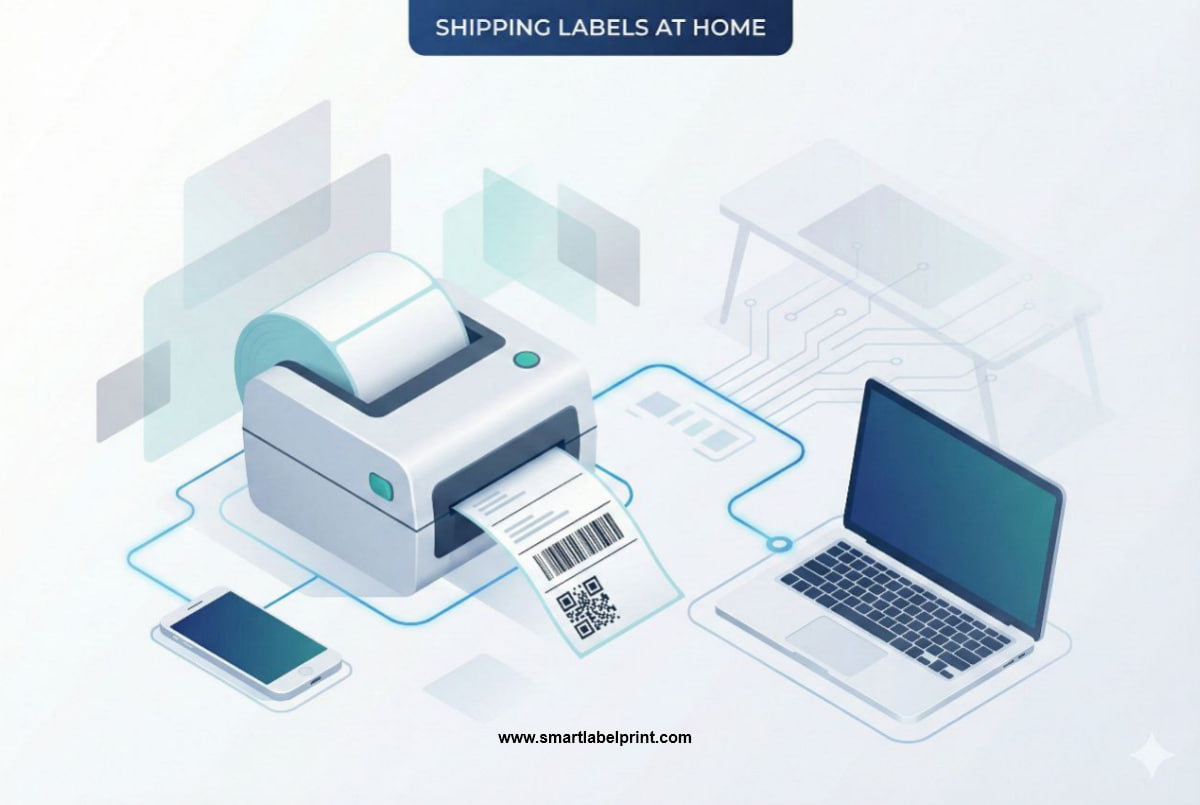
So you’ve seen it. On Instagram, on YouTube, in those oddly satisfying TikToks—the pro e-commerce seller effortlessly peeling a perfect 4x6 shipping label off a machine that looks like it belongs in a NASA lab, slapping it on a box, and moving on with their life. It’s clean, it’s fast, it’s... expensive. You look up the price of that thermal printer, see something like ₹15,000 or $250, and think, “Yeah, no. Not yet.”
And that's the trap. You assume that because you can't afford the 'pro' setup, you're stuck in shipping label purgatory. You're chained to your trusty but infuriating inkjet or laser printer, printing full A4 sheets for a single tiny label, wrestling with scissors and tape, and wasting a criminal amount of money on ink and paper. I know because I’ve been there. For years. I’ve shipped from a cramped apartment in Mumbai using a clunky HP inkjet and from a garage in California with a temperamental Canon laser printer. And let me tell you, the amount of time and money I wasted trying to make A4 sheets work for a 4x6 world is just embarrassing.
But here’s the secret the 'gurus' don't tell you: you can achieve the efficiency and professionalism of a 4x6 label without dropping a fortune on a new printer right now. There are scrappy, smart, and often free ways to bridge the gap. This isn't a guide to convince you to buy a thermal printer (though you should eventually, and I'll explain when in my other guide on choosing the right printer). No, this is the guide for the rest of us. The bootstrappers. The ones scaling from 5 to 50 orders a day and needing a system that works today with the hardware they already own.
Why 4x6 Inches? Why You Should Even Care.
First off, why is this size so important? Why not just tape a piece of A4 paper to the box? Because the 4x6 inch format (or 100mm x 150mm) is the universal language of logistics. It's the standard size that every major courier in the world, from Delhivery in India to USPS in America, has optimized their systems for. Their scanners are calibrated for it, their sorting machines expect it, and their delivery personnel are trained to look for it. According to a 2023 Pitney Bowes Parcel Shipping Index report, standardized labeling can reduce sorting errors by up to 35%. That's a huge number when you're the one dealing with the angry customer emails about delayed packages.
A proper 4x6 label ensures:
- Flawless Scannability: The barcode is the right size and proportion.
- Crystal Clear Info: No weird text wrapping or tiny fonts for the address.
- Professionalism: It just looks like you know what you’re doing.
The Methods: From Utterly Free to Surprisingly Cheap
Okay, let's get into the weeds. You have an A4-sized PDF from Amazon Seller Central India, a US Letter PDF from Shopify, or a combined invoice/label from Meesho. Here’s how you turn that into a 4x6 label without buying a new printer.
Method 1: The Screenshot & Print (The Quick & Dirty)
This is the most basic, no-frills method. It’s not elegant, but it works in a pinch.
- Open your PDF shipping label on your computer.
- Zoom in so the label part fills most of your screen.
- Take a screenshot. (On Windows, it’s Win + Shift + S. On Mac, it’s Cmd + Shift + 4). Drag a box around just the label.
- This will save an image (usually a PNG) to your clipboard or desktop. Open this image.
- Go to Print (Ctrl/Cmd + P). Now, here's the key part: in the print settings, you need to tell your printer you're printing on 4x6 inch paper. Change the 'Paper Size' from 'A4' or 'Letter' to '4x6 in' or '100x150mm'.
- Make sure the scale is set to 'Fit' or 'Fit to Printable Area'. This will shrink your screenshot to fit the 4x6 dimensions.
- Print it on a plain piece of paper.
Pros: It’s 100% free and uses software you already have.
Cons: The quality can be a bit dodgy. Screenshots can degrade the sharpness of the barcode, which is risky. It's also still a manual process per label.
My frankly honest opinion: Fine if you have one or two orders. A terrible idea if you have ten. The risk of a non-scannable barcode is just too high.
Method 2: The Free Online PDF Cropper (The Smart Scrappy Way)
This is a massive step up and the method I recommend for anyone on a budget. There are free web tools designed specifically for this. You can find them by searching for 'shipping label cropper' or 'A4 to 4x6 converter'. For example, the one on SmartLabelPrint is built for this exact purpose.
Here’s the workflow:
- Download your bulk shipping labels from your marketplace (e.g., the multi-page PDF from Flipkart or Amazon).
- Go to a free online cropping tool. Drag and drop that PDF into it.
- The tool will show you a preview of the first page. Drag a box around the 4x6 label area, ignoring the invoice or any other junk.
- Crucially, there’s usually a checkbox that says “Apply this crop to all pages.” Make sure that’s ticked.
- Click 'Crop' or 'Convert'. The tool will process the entire PDF and give you a new PDF where every page is a perfect, stand-alone 4x6 label.
Pros:
- Maintains the original high quality of the PDF. The barcodes will be perfect.
- Handles bulk files in seconds. What took you an hour now takes 30 seconds.
- Completely free.
Cons:
- You're still printing on your existing printer, so you need the right paper (more on that below).
Personal Story Time: The Meesho Mayhem. In 2021, I was helping a friend scale her Meesho business in India. She was getting 50-60 orders a day. Her process was insane. She’d print 60 A4 sheets, and her two employees would spend three hours every afternoon cutting out the labels from the invoices and taping them to the packages. I showed her how to use a free online cropper. She uploaded her bulk PDF, cropped once, and got a 60-page, 4x6 PDF back. This was a revelation. It didn't just save paper; it saved her three hours of paid labor per day. That's a real, tangible cost saving that goes straight to the bottom line.
The Paper Problem: What to Actually PrintOn
Okay, so you've got your perfect 4x6 PDF. Now what do you feed your printer? This is the other half of the equation.
Option 2A: Plain Paper + Packing Tape/Pouch (The Cheapest, Most Annoying Option)
You print your 4x6 label on regular paper, cut it out, and either tape it to the box or slip it into one of those clear adhesive pouches.
Cost Analysis (India):
- Paper: ~₹0.5 per sheet
- Ink/Toner: ~₹2-3 per print
- Pouch/Tape: ~₹1-2
- Total per Label: ~₹3.5 - ₹5.5
Cost Analysis (USA):
- Paper: ~$0.02 per sheet
- Ink/Toner: ~$0.08 per print
- Pouch/Tape: ~$0.10 - $0.15
- Total per Label: ~$0.20 - $0.25
My take: The pouch is better than tape. Taping over a barcode, especially with glossy tape, can create glare that makes it unscannable. UPS explicitly warns against this. This method is cheap, but it's slow and still feels amateur.
Option 2B: 4x6 Sticker Paper (The 'Almost Pro' Method)
This is the real game-changer for inkjet/laser users. You can buy A4 or US Letter sheets that are pre-cut into four 4x6-ish sized labels. Or, even better, you can buy actual 4x6 inch photo paper sheets that have an adhesive back. You just have to make sure your printer can handle them (most can, via the photo tray).
Cost Analysis (India):
- 4x6 Sticker Sheet: ~₹2-3 per sheet
- Ink/Toner: ~₹2-3 per print
- Total per Label: ~₹4 - ₹6
Cost Analysis (USA):
- 4x6 Sticker Sheet: ~$0.15 - $0.20 per sheet
- Ink/Toner: ~$0.08 per print
- Total per Label: ~$0.23 - $0.28
My take: This is it. This is the sweet spot. You get the 'peel and stick' speed of a thermal printer but using your existing hardware. It costs a little more per label than the paper-and-pouch method, but the time you save is well worth it. The professional look is a huge bonus.
When Do You Actually Need to Buy a Thermal Printer?
Look, I've been championing the budget methods, but let's be real. There comes a point when the upgrade is not just a want, but a need. Here's my simple framework based on order volume.
| Daily Orders | Recommended Method | Why? |
|---|---|---|
| 1-10 | Method 2B (Online Cropper + 4x6 Sticker Paper) | It's the perfect balance of low cost and high efficiency. The time saved is significant. |
| 10-25 | Seriously Consider a Thermal Printer | At this volume, the cost savings on ink/toner start to add up fast. The printer will pay for itself in under a year. |
| 25+ | BUY A THERMAL PRINTER. NOW. | You are losing money every day you don't have one. The time and supply costs are damaging your margins. It's not a choice; it's a mandatory business upgrade. |
Final, Frankly Honest Checklist
Stop overthinking it. Your path to printing 4x6 labels is simple.
- Get Your PDF: Download your labels from your sales channel.
- Crop It: Use a free online PDF cropper to convert your A4 PDF into a 4x6 PDF. Don't use the screenshot method unless you're desperate.
- Choose Your Paper: Start with 4x6 sticker paper for your existing printer. It’s the best bang for your buck.
- Print at 100% Scale: I will repeat this until I'm blue in the face. Always. Print. At. 100%. Scale. Official guidance from carriers like FedEx and even e-commerce platforms like Shopify emphasize this.
- Start Saving for a Thermal Printer: As soon as your order volume starts creeping up, start putting money aside. It's the best investment you'll make in your shipping workflow.
That's it. That's the whole game. You don't need to spend ₹50,000 or $500 to professionalize your shipping. You just need to be a little scrappy and use the right free tools to bridge the gap. Now stop reading and go pack some orders.