Let’s Have the Most Boring, Important Conversation of Your E-commerce Career
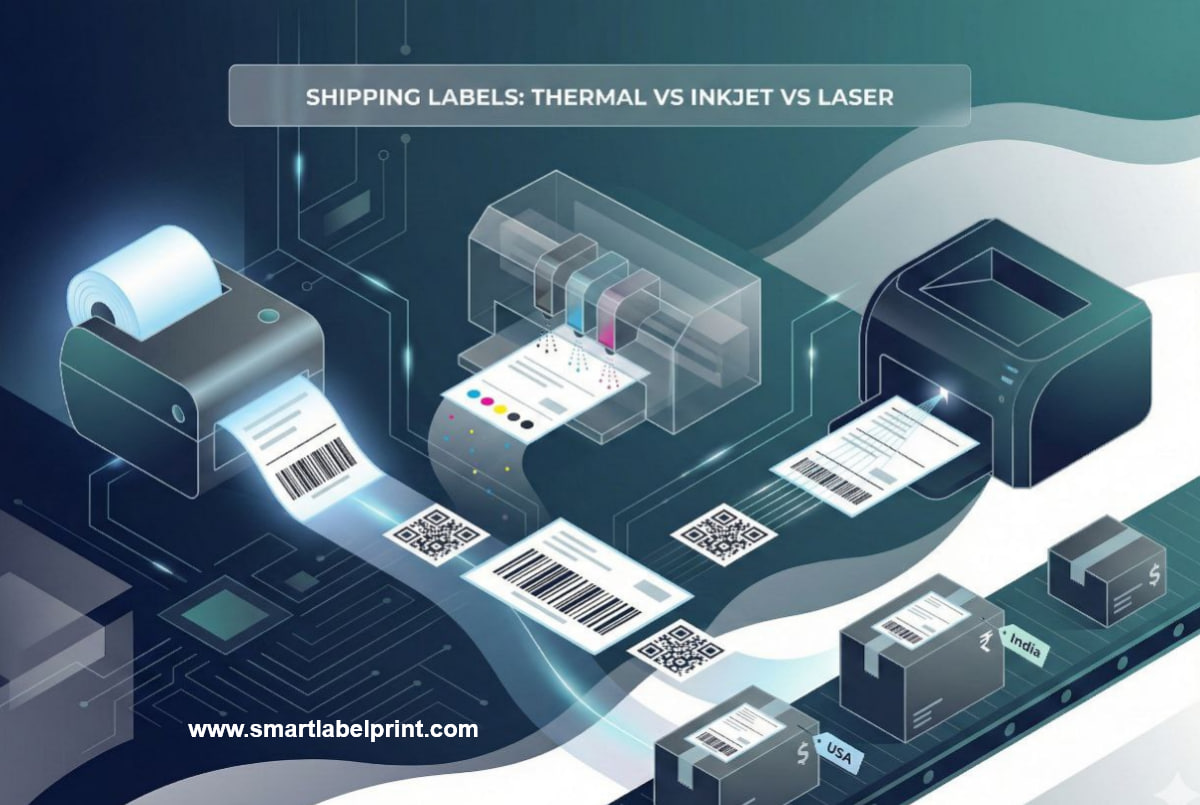
I want you to be honest with me. What’s the most frustrating, soul-crushing, money-wasting part of your daily shipping routine? I’ll bet you a thousand rupees it’s your printer. It’s that moment when your trusty HP inkjet decides it’s out of cyan ink (why does it need cyan to print a black and white shipping label?!), or your “reliable” Canon laser printer chews up another A4 sticker sheet, leaving you with a crumpled, unusable mess. You bought that printer for school projects and printing documents, not for the difficult, repetitive reality of an e-commerce business. And right now, it’s probably the single biggest leak in your operational budget.
For years, I was in denial. I shipped hundreds of packages from my tiny Mumbai apartment using a cheap Epson inkjet that would smudge if you breathed on it too hard. Later, from a small warehouse in California, I used a beefy laser printer that felt professional but was secretly devouring toner cartridges that cost more than a nice dinner. I just accepted it as the 'cost of doing business'. It's not. It's the cost of not knowing any better.
This isn't just another tech review. This is a 6-year veteran's frankly honest, no-fluff breakdown of the three types of printers you can use for shipping labels: Inkjet, Laser, and the one that will change your life, Thermal. We're going to talk about the real, all-in costs—not just the machine, but the ink, the paper, the time, the sanity. I'll give you real-world numbers from both my Indian and US operations. By the end of this, you will know exactly which printer you should be using, and more importantly, when it’s time to make the switch. Making the right choice here is one of the highest-leverage decisions you can make for your profitability.
The Contenders: A Quick & Dirty Introduction
Let's meet our options.
- The Inkjet Printer: This is probably what you have at home. It sprays tiny droplets of liquid ink onto paper. It’s cheap to buy, but the ink cartridges are a notorious issue.
- The Laser Printer: The workhorse of most small offices. It uses a fine powder called toner and heat to fuse the image onto paper. It's faster and cheaper per page than an inkjet, but the upfront cost and toner replacement are significant.
- The Direct Thermal Printer: The secret weapon of every professional shipping operation, from Amazon warehouses to your local FedEx store. It uses a heated printhead to activate special, heat-sensitive paper. NO INK. NO TONER. This is the most important thing to understand.
Round 1: The All-In Cost Per Label – Where the Truth Comes Out
Let’s cut to the chase. The price of the printer doesn't matter. What matters is the 'Cost Per Label'. This is the real, all-in cost every time you print. To calculate this, we need to look at both the machine's 'consumables' (ink/toner) and the 'media' (the paper/labels). I've done the math based on current 2025/2026 market prices in both India and the USA.
The Inkjet Printer: The Slow, Expensive Loss
This printer is designed to be a loss-leader. They sell you the machine for cheap because they know they're going to make a fortune selling you ink. An original HP or Canon color cartridge set in India can cost ₹2,000-₹3,000 and might only give you 200-300 pages. It's a financial disaster for a business.
Cost Breakdown (India):
- Ink Cost Per Label: ~₹3 - ₹5 (This is conservative!)
- A4 Sticker Sheet (assuming you print 4 labels per sheet): ~₹1.5 per label
- Real Cost Per Label: ₹4.5 - ₹6.5
Cost Breakdown (USA):
- Ink Cost Per Label: ~$0.12 - $0.20
- Letter Sticker Sheet (4 labels per sheet): ~$0.10 per label
- Real Cost Per Label: $0.22 - $0.30
Verdict: Using an inkjet for shipping labels is financial malpractice. The only time this is acceptable is if you are shipping fewer than 5-10 packages a month. The ink is also water-based, so a single drop of rain can turn your shipping label into an unreadable, smudged mess, a fact that carriers like UPS warn about.
The Laser Printer: The Deceptively 'Professional' Choice
This feels like a step up. It's faster, and the prints are crisp and waterproof. The cost per page is much lower than an inkjet. But you're still tied to expensive toner cartridges and A4/Letter sticker sheets.
Cost Breakdown (India):
- Toner Cost Per Label: ~₹1.0 - ₹1.5
- A4 Sticker Sheet (4 labels per sheet): ~₹1.5 per label
- Real Cost Per Label: ₹2.5 - ₹3.0
Cost Breakdown (USA):
- Toner Cost Per Label: ~$0.04 - $0.06
- Letter Sticker Sheet (4 labels per sheet): ~$0.10 per label
- Real Cost Per Label: $0.14 - $0.16
Verdict: Better. Much better. But still not great. You've plugged one leak, but you're still wasting time cutting up sheets and dealing with alignment issues. A 2024 study by logistics firm ParcelLab found that packing efficiency drops by nearly 30% when staff have to manually cut and tape labels versus using a peel-and-stick solution.
The Thermal Printer: The Game Changer
This is where the magic happens. Remember: NO INK. NO TONER. EVER. Your only recurring cost is the labels themselves. And when you buy 4x6 thermal labels in bulk rolls, the cost is astonishingly low.
Cost Breakdown (India):
- Ink/Toner Cost Per Label: ₹0
- 4x6 Thermal Label: ~₹1.0 - ₹1.5
- Real Cost Per Label: ₹1.0 - ₹1.5
Cost Breakdown (USA):
- Ink/Toner Cost Per Label: $0
- 4x6 Thermal Label: ~$0.03 - $0.05
- Real Cost Per Label: $0.03 - $0.05
Verdict: Game over. This is not even a fair fight. The thermal printer is 50-70% cheaper per label than a laser printer and a staggering 80-90% cheaper than an inkjet. A good thermal printer costs around ₹15,000 or $200. If you are shipping 30 orders a day in India, you are saving at least ₹1.5 per label. That's ₹45 a day, or ₹1,350 a month. The printer pays for itself in less than a year. After that, it's just pure savings, forever. I walk you through the best budget models in my guide to the best thermal printers.
Round 2: Speed and Workflow – Your Time is Money
Cost is one thing. Sanity is another. Let's talk about the actual, real-world process of printing 50 labels.
- Inkjet/Laser Workflow:
1. Download 50 individual label files or a 50-page PDF.
2. Use a tool to arrange them 4-up on a page to save paper.
3. Send 13 pages to the printer. Wait for it to slowly print.
4. Realize page 7 jammed. Un-jam the printer. Reprint page 7.
5. Get your 13 sheets. Use a paper cutter or scissors to cut them into 50 individual labels.
6. Match each label to the correct box.
7. Peel the backing (if using full-sheet sticker paper) or tape the paper label to the box.
Time Elapsed: 30-45 minutes of pure misery. - Thermal Printer Workflow:
1. Download a single, 50-page PDF of 4x6 labels (which you can easily create using a free online tool like the shipping label cropper on SmartLabelPrint).
2. Send it to the thermal printer.
3. The printer goes thwack-thwack-thwack, spitting out 50 individual, peel-and-stick labels in about a minute.
4. Peel and stick.
Time Elapsed: 5-7 minutes of satisfying efficiency.
There is no comparison. One workflow is a bottleneck designed by sadists. The other is a lean, mean, shipping machine. As I've detailed in my guide on bulk printing from a CSV, optimizing your workflow is paramount as you scale.
Round 3: Print Quality and Durability – Will Your Package Arrive?
This is a mission-critical point that most sellers ignore until it's too late.
- Inkjet: The enemy of moisture. A single drop of rain can cause the ink to run, making the barcode unscannable. In a humid environment like Mumbai during the monsoon, I’ve had labels become a blurry mess before they even left my workshop. It's a massive liability.
- Laser: Excellent quality. The toner is fused to the paper, making it waterproof and smudge-proof. This is a big advantage over inkjet.
- Thermal: The champion. The image is created by a chemical reaction in the paper itself. It's completely waterproof and smudge-proof. You can run a thermal label under a tap, and it will be fine. This is why it's the professional standard. It can withstand the rough and tumble of the logistics world, from a dusty Delhivery sorting hub to a rainy USPS delivery truck.
The Final Verdict: A Simple Framework for When to Upgrade
So, what should you do? Here is the exact, frankly honest framework I give to every single seller I consult with.
| If You Ship This Many Orders Per Day... | You Should Be Using... | The Cold, Hard Reason |
|---|---|---|
| 1-10 | Inkjet or Laser (but optimize!) | The upfront cost of a thermal printer isn't quite justified yet. Focus on printing 4 labels per page to save on paper. Your time is better spent on marketing. |
| 10-25 | Laser or Seriously Consider Thermal | You're now in the 'danger zone'. The time wasted and the cost of toner are starting to add up significantly. Run the payback calculation. It will probably scare you into upgrading. |
| 25+ | THERMAL. NO EXCUSES. | If you are shipping this volume and you do not have a thermal printer, you are not running a business; you are funding a very expensive and inefficient hobby. You are actively losing money every single day. The upgrade is not optional; it is mandatory for survival. |
Conclusion: Stop Losing Money and Start Shipping Like a Pro
Look, I get it. A new piece of hardware feels like a big, scary expense. But a thermal printer isn't an 'expense' in the same way a new office chair is. It's a strategic investment in the core machinery of your business. It's a tool of efficiency that directly translates into lower costs and higher output. The question isn't 'Can I afford a thermal printer?' The real question is, 'Can I afford to keep wasting money on ink and time on a system that was never designed for what I'm doing?' For the vast majority of you reading this, the answer is a resounding 'no'. Stop the loss. Make the switch. It will be the best business decision you make all year.