Let’s Be Perfectly Honest About the Most Important Sticker in Your Life
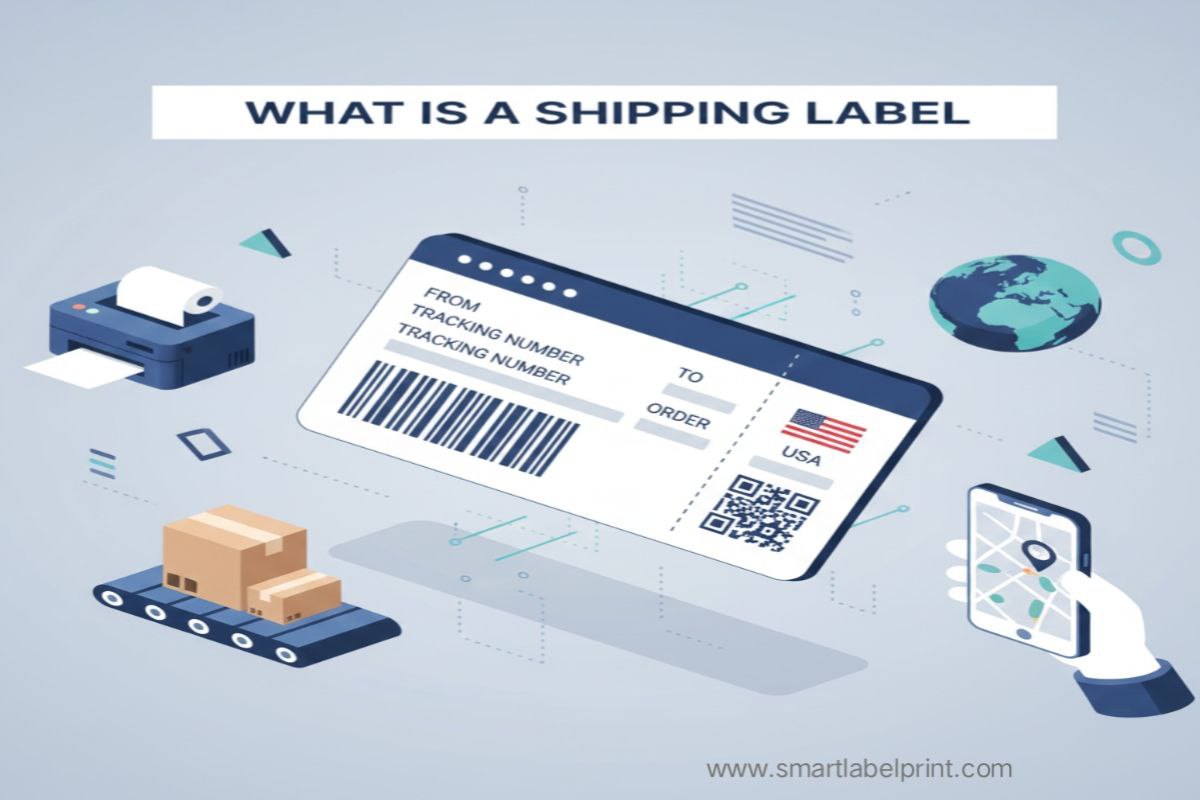
I want you to think about that sticky little rectangle you slap on every package you ship. You probably print it, stick it, and forget it. To you, it’s just an address label. A necessary chore. A dumb piece of paper that gets your product from Point A to Point B. And that, right there, is one of the most dangerous and expensive misconceptions in e-commerce. Believing a shipping label is just a sticker is like believing an engine is just a lump of metal. It completely misunderstands its purpose and power.
Look, I’m Samir. I’ve been in the e-commerce game for over five years, which in internet years makes me about 90. I’ve shipped everything from handcrafted leather goods out of a hot, humid godown in Mumbai to pallets of tech gadgets from a slick warehouse in California. And the most painful lessons I’ve learned—the ones that cost me thousands of dollars, countless sleepless nights, and nearly my sanity—weren't about marketing or product sourcing. They were about logistics. And at the heart of all logistics is that humble shipping label.
That 'dumb sticker' is not just a label. It is a legal document. It is a contract. It is a data-rich passport for your product, packed with codes and information that will be read by dozens of humans and multi-million dollar sorting machines on its journey. It’s the single most critical piece of paper in your entire fulfillment process. Getting it right means a smooth, fast, and profitable delivery. Getting it wrong—even slightly—can lead to lost packages, angry customers, surprise surcharges, and a slow, agonizing drain on your bank account. A 2024 report by logistics firm Shipware found that a staggering 24% of all shipping charge-backs and penalties for small businesses stem from incorrect or non-compliant labeling. That’s a massive, entirely preventable loss.
So, we’re going to dissect this thing. We’re going to go beyond 'what is a shipping label' and answer the real questions: what does all that gibberish on it actually mean? Why does it matter so much? And how can you create perfect ones, for free, every single time? This isn't a textbook definition. This is a survival guide.
Anatomy of a Shipping Label: Decoding the Squiggles and Codes
Let’s break down a typical shipping label, piece by piece. Whether it’s from USPS in the States or Delhivery in India, they all contain the same core DNA.
| Component | What It Is | Why It’s Mission-Critical |
|---|---|---|
| 1. Sender & Recipient Info | Your address and your customer’s address. | The obvious part. But typos here are critical. A wrong pincode can send your package on a two-week vacation. |
| 2. The Tracking Number Barcode | A big, scannable 1D barcode that represents the tracking number. | This is the heart of the whole system. It's scanned at every single touchpoint, from pickup to delivery. If this is unscannable, your package is a ghost. |
| 3. The 'MaxiCode' | That weird, circular, bullseye-looking code (used by UPS). | This is a high-speed scannable code that contains all the address information. It allows automated sorting machines to read the address at hundreds of feet per minute, even if the label is upside down. |
| 4. The Routing Code | A large set of numbers and letters, often above the address. | This is the internal sorting information for the courier. It tells the automated systems which truck, which plane, and which sorting hub this package needs to go to. |
| 5. Service Type | 'Ground Advantage', 'Priority Mail', 'Surface', 'Air'. | Tells the handlers how urgently to treat your package. A 'Priority' package gets treated very differently from a 'Surface' one. |
| 6. Weight & Dimensions | The declared weight and size of the package. | This is how they verify your payment. If you declare 2kg and the package is actually 3kg (or its dimensional weight is 3kg), you're getting a surprise bill. |
Personal Horror Story #1: The Unscannable Barcode Nightmare (USA, 2021)
I was helping a client prep a massive FBA shipment—1,000 units of a new product. They were printing their own carton labels. To save a few bucks on toner, they had their laser printer set to 'Toner Save' mode. The shipping label barcodes looked a little gray, a little faded, but they figured, 'it's readable, right?'. They sent the 20 cartons off to Amazon. Three weeks later, the shipment still hadn't been checked in. We were panicking. After days on the phone with the nightmare that is Seller Support, we found the issue. The robots at the Amazon fulfillment center couldn't scan the faded barcodes. The cartons were sitting in an 'unidentified' pile. Amazon had to manually re-label every single carton and sent my client a bill for over $500 in 'unplanned prep fees'. All to save about 50 cents worth of toner. It was an expensive lesson in why print quality is not optional. As I cover in my full guide to FBA labels, Amazon does not mess around.
The Critical Difference: Carrier Labels vs. Generated Labels
This is a point of huge confusion for new sellers. There are two fundamental ways to get a shipping label.
1. Carrier-Generated Labels
This is when you buy your postage directly from the carrier (USPS, FedEx, etc.) or from your marketplace (Shopify Shipping, Amazon). They provide you with a finished PDF that contains the address, postage information, and a valid tracking number. Your only job is to print it correctly. This is what 99% of e-commerce sellers do.
2. Self-Generated Labels (Address Labels)
This is when you are NOT buying postage. You are simply creating a label with an address on it. This is common for businesses that have a bulk pickup contract with a local courier in India, or for creating simple address labels for things like company mail. A tool like a shipping label generator is perfect for this. It lets you upload a spreadsheet of addresses and create hundreds of clean, standardized labels, but—and this is crucial—it does NOT include postage or a tracking number. You would then hand these packages over to your courier, who would apply their own tracking stickers. This workflow is less common in the US but very common for smaller sellers in India using hyperlocal delivery services.
Understanding this distinction is vital. Don't think you can just print an address on a sticker and drop it in a FedEx box. You need the official, postage-paid, carrier-generated label.
Personal Horror Story #2: The COD Catastrophe (India, 2018)
When I was starting out in India, I was using a local Mumbai courier for my COD orders. I would print my own address labels. They looked great. But they were missing one critical piece of information: a huge, unmissable 'CASH ON DELIVERY: COLLECT ₹XXXX' indicator. The delivery boys, handling hundreds of packages, would often forget to collect the cash. They'd just deliver the package like a prepaid order. I was losing money hand over fist. I had to redesign my labels with a giant, ugly, red COD section. My losses dropped by 70% overnight. It taught me that a shipping label isn't just for the sorting machines; it's a critical instruction manual for the human at the final, most important step of the journey. This experience is why I wrote a whole guide on how to handle COD labels properly.
How to Create Perfect Shipping Labels, Every Time, for Free
Okay, let's get down to brass tacks. You need to print labels. You're on a budget. Here's how you do it like a pro without spending a dime on software.
The Workflow:
- Get Your Carrier-Generated PDF: Go to your platform (Shopify, Amazon, etc.) and 'buy' your shipping labels. You'll get a PDF file. Often, it's in a wasteful A4 or Letter format.
- Crop it to 4x6: This is the magic step. Use a free online PDF cropping tool (like the one I built for this exact purpose) to convert that awkward A4 page into a perfect 4x6 inch label. This standardizes your entire process. I wrote a whole guide on how to print 4x6 labels without a thermal printer that you should read.
- Print it Right: Now, print that new 4x6 PDF. In your printer settings, you MUST set the paper size to '4x6 in' or '100x150mm'. And you MUST set the scale to '100%' or 'Actual Size'. Never 'Fit to Page'. This ensures the barcodes are the correct size and proportion, a rule emphasized by every major carrier like DHL.
The Final Checklist: Your Pre-Flight Inspection
Before you stick that label on the box, just do a quick 5-second check. It will save you from 99% of all shipping disasters.
| The Check | The 'Why It's Not Stupid' Reason |
|---|---|
| The Eyeball Test | Does the address look right? Is the name spelled correctly? Does the pincode have the right number of digits? A human can spot an obvious error that a machine won't. |
| The Smudge Test | If you're using an inkjet, lightly run your finger over the barcode. Does it smudge? If so, your ink isn't setting right, and that label is a liability. |
| The Tape Test | Is there any tape, especially glossy tape, covering any of the barcodes? If so, remove it. The glare can make it unscannable. |
| The Old Label Test | If you're reusing a box, have you completely covered or blacked out every single old barcode and address? A confused sorting machine is your worst nightmare. |
Conclusion: Treat Your Labels With Respect
A shipping label is the culmination of all your hard work. It represents a sale you made, a customer you've won, and a promise you've made to deliver. Treating it as an afterthought is disrespecting your own business. It's the boring, unsexy, administrative part of e-commerce that nobody wants to talk about, but it's the foundation of a scalable and profitable operation. Understanding what it is, what each part does, and how to create it perfectly every time is not just 'good practice'—it's a fundamental business skill. So stop thinking of it as a sticker. Start thinking of it as the passport for your product's journey, and give it the attention and respect it deserves.
WRITTEN BY
Samir
Samir is the founder of SmartLabelPrint, specializing in shipping label workflows, barcode automation, and eCommerce-friendly printing tools.