So, You're a Shopify Seller. You're Probably Doing Your Labels Wrong.
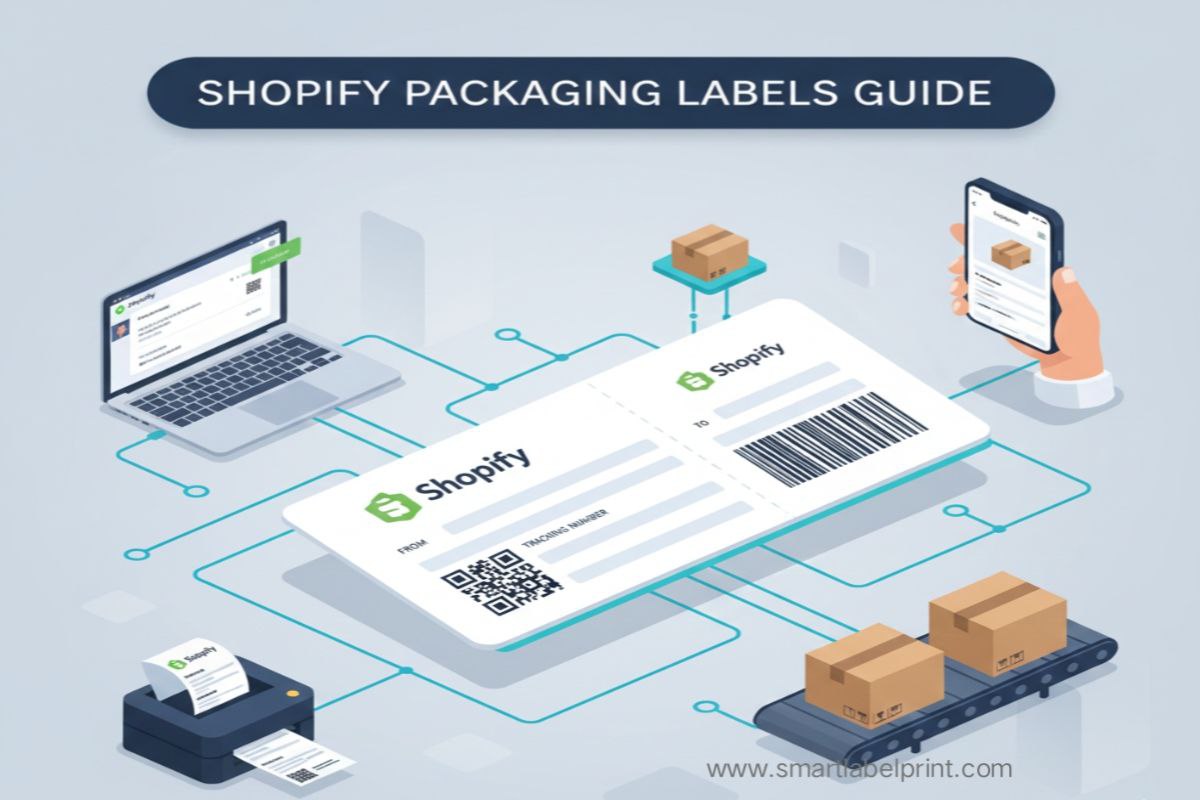
Alright, let’s have a blunt conversation. You’ve done the hard part. You’ve built a beautiful Shopify store. You’ve sourced a killer product. You’ve even figured out the dark arts of Facebook ads and your first orders are trickling in. You feel like a certified e-commerce genius. And then you hit a wall. A wall made of paper, ink, and endless frustration. A wall called 'fulfillment'. Suddenly, you’re not a cool brand-builder anymore. You’re a glorified postal worker, fighting with your printer, wasting expensive sticker sheets, and drowning in a sea of slightly-misaligned labels.
Look, I've been there. My e-commerce journey started over 5 to 6 years ago, and for the first few years, my 'shipping department' was a corner of my bedroom in Mumbai. I learned every painful lesson imaginable about Shopify labels. I’ve wasted thousands of dollars on ink for my inkjet. I’ve spent entire weekends cutting out labels with scissors. I’ve had shipments rejected from Amazon FBA because my FNSKU labels were blurry. It was a slow, expensive, and deeply frustrating education. Today, I manage fulfillment for brands on both sides of the globe, from small Shopify Plus stores in California to booming D2C brands in India. And the fundamental truths about efficient labeling are universal.
This isn't going to be a rehash of Shopify’s help documents. This is the real, raw, frankly honest playbook from someone who has been in the trenches. We're going to cover everything from the most efficient way to print your Shopify Shipping labels (for my US friends) to how to handle logistics in India, how to create product labels that don't suck, and how to use your packaging as a secret marketing weapon. Let’s stop wasting time and start shipping like a pro.
Part 1: The Shipping Label – Your Package’s Passport
This is the most critical label. It’s what gets your product from your warehouse to your customer. Mess this up, and nothing else matters. The workflow is different depending on where you are in the world.
For Sellers in the USA, Canada, and Australia: Shopify Shipping is Your Best Friend
If you are in one of these countries, Shopify has a built-in service called Shopify Shipping. USE IT. It gives you access to discounted rates from carriers like USPS, UPS, and DHL that you could never get by walking into their store. It’s one of Shopify’s best features.
The Pro Workflow:
- Go to your 'Orders' page in Shopify. Select all the orders you want to ship.
- Click 'Create shipping labels'.
- Shopify will pull the weights from your product data and the dimensions from your package settings (make sure these are set up correctly under Settings -> Shipping and delivery -> Packages).
- You’ll see the rates for different carriers. Choose the best one for each order.
- Click 'Buy shipping labels'. Shopify will charge your account and generate a multi-page PDF with all your labels.
The Problem: This PDF is usually formatted for a standard A4/US Letter printer. It's not optimized for a 4x6 thermal printer, which is what every serious seller uses. The solution? A free online PDF cropping tool. You upload Shopify's PDF, and it spits out a new PDF where every page is a perfect 4x6 label. The tool on SmartLabelPrint is designed for exactly this. It's a crucial step that I cover in my guide on printing 4x6 labels without a thermal printer.
For Sellers in India: The Wild West of Aggregators
Shopify Shipping isn't available in India yet. So, you’re on your own. You have two main options:
- Go Direct with a Courier: You can open an account directly with Delhivery, Blue Dart, etc. The problem is you'll have to manually enter every address into their portal. It’s a slow, painful process prone to errors. Not scalable.
- Use a Shipping Aggregator App (The Right Way): This is the only sane choice. Apps like Shiprocket, Pickrr, or NimbusPost are essential. They integrate with your Shopify store, automatically import all your orders, and let you compare shipping rates from multiple carriers for every single order. You can choose the cheapest or the fastest with one click. They are the 'Shopify Shipping' for India.
The Pro Workflow (India):
- Install an aggregator app from the Shopify App Store. Connect your account.
- Your orders will sync automatically.
- In the aggregator's dashboard, select the orders you want to ship.
- The app will show you rates from Delhivery, Xpressbees, DTDC, etc. for each order. Choose the best one.
- Generate all your labels in one batch. Most of these apps let you download a consolidated PDF, often already formatted for a 4x6 thermal printer. This is a massive time-saver. As a bonus, it also helps you manage the nightmare of COD orders, which I cover in my deep-dive on COD.
Part 2: The Product Label – Your Silent Salesman
The shipping label gets the box to the customer. But what's on the product itself? If you're just selling someone else's brand, you might not need this. But if you have your own product, a good product label is non-negotiable. This is especially true if you plan to sell on Amazon or in physical stores.
Personal Horror Story #2: The Blurry Barcode That Cost Me $275. When I first started with Amazon FBA, I needed to put FNSKU labels on my products. I thought I was being clever. I found a free 'barcode font' online, typed in my FNSKU, and printed my labels. They looked fine to my eye. They were not fine. The font wasn't fully compliant with Amazon's scanner specifications. The barcodes were unreadable. My shipment of 500 units got stuck in 'Receiving' limbo at the FBA warehouse for three weeks. Amazon had to manually re-label every single unit and charged me a $0.55 'unplanned prep service' fee per item. That's a $275 'stupid tax' because I used a bad font instead of a proper barcode generator. This is why using a reliable tool is critical. As I detail in my guide to FBA labels, Amazon does not forgive these mistakes.
How to Create Product Labels for Shopify in Bulk (The Free Way)
Shopify doesn't have a great built-in tool for this. You need to use a third-party workflow.
- Export Your Products: In Shopify, go to 'Products' and export your product list as a CSV. This will give you a beautiful spreadsheet with all your product titles, SKUs, prices, etc.
- Clean Your Data: Open the CSV and clean it up. You only need the columns you want on your label (e.g., 'Title', 'Variant SKU', 'Variant Price').
- Use a Bulk Label Generator: Find a free online tool designed to turn a CSV into printable labels (for example, the product label generator on SmartLabelPrint).
- Download the Template & Map Your Data: The tool will have a sample CSV template. Copy the data from your Shopify export and paste it into the correct columns of the template.
- Generate & Print: Upload your file, and the tool will generate a multi-page PDF with unique labels for every product variant, complete with a reliable, scannable barcode. You can then print this on A4 sticker sheets.
Part 3: The Marketing Label – Turning Your Box Into a Money-Maker
This is the part 99% of Shopify sellers ignore. Your job isn't done when the customer buys the product. Your job is to get them to buy again. The moment they open that box is your single best opportunity to make a second impression. A generic “thank you” card is garbage. It goes straight in the trash. You need to provide value.
Personal Story #3: The QR Code That Doubled Repeat Customers. For my Indian spice brand, we were struggling with repeat business. We designed a simple postcard-sized insert. On it was a QR code with the headline: 'Scan to Unlock Our Founder's Secret Chicken Curry Recipe.' The QR code led to a hidden landing page on our Shopify store with the recipe, a personal thank-you video, AND a 15% discount code for their next order. Our repeat customer rate shot up by 22% in three months. That simple, cheap insert was the highest ROI marketing I've ever done. A Shopify blog post on this topic confirms that inserts can increase customer lifetime value by as much as 30%. You can create these QR codes for free using a free online generator.
The Ultimate Shopify Label Workflow: A Summary
| Label Type | The Job | The Pro Workflow (Free) |
|---|---|---|
| Shipping Label | Get package to customer. | USA: Use Shopify Shipping, then a PDF cropper for thermal printing. India: Use a shipping aggregator app. |
| Product/FNSKU Label | Identify the product for inventory/Amazon. | Export products from Shopify to CSV. Use a free online bulk label generator with barcode support. |
| Marketing Insert | Drive repeat sales and build brand loyalty. | Design a simple card with a value-add (recipe, guide) and a QR code linking to a hidden offer page. |
Stop thinking of labels as a chore. They are a system. Your shipping label is your logistics system. Your product label is your inventory system. And your packaging insert is your retention marketing system. By optimizing this one boring, unsexy part of your business, you're not just printing stickers. You're building a more efficient, more professional, and more profitable Shopify empire. Now go get your data in order.